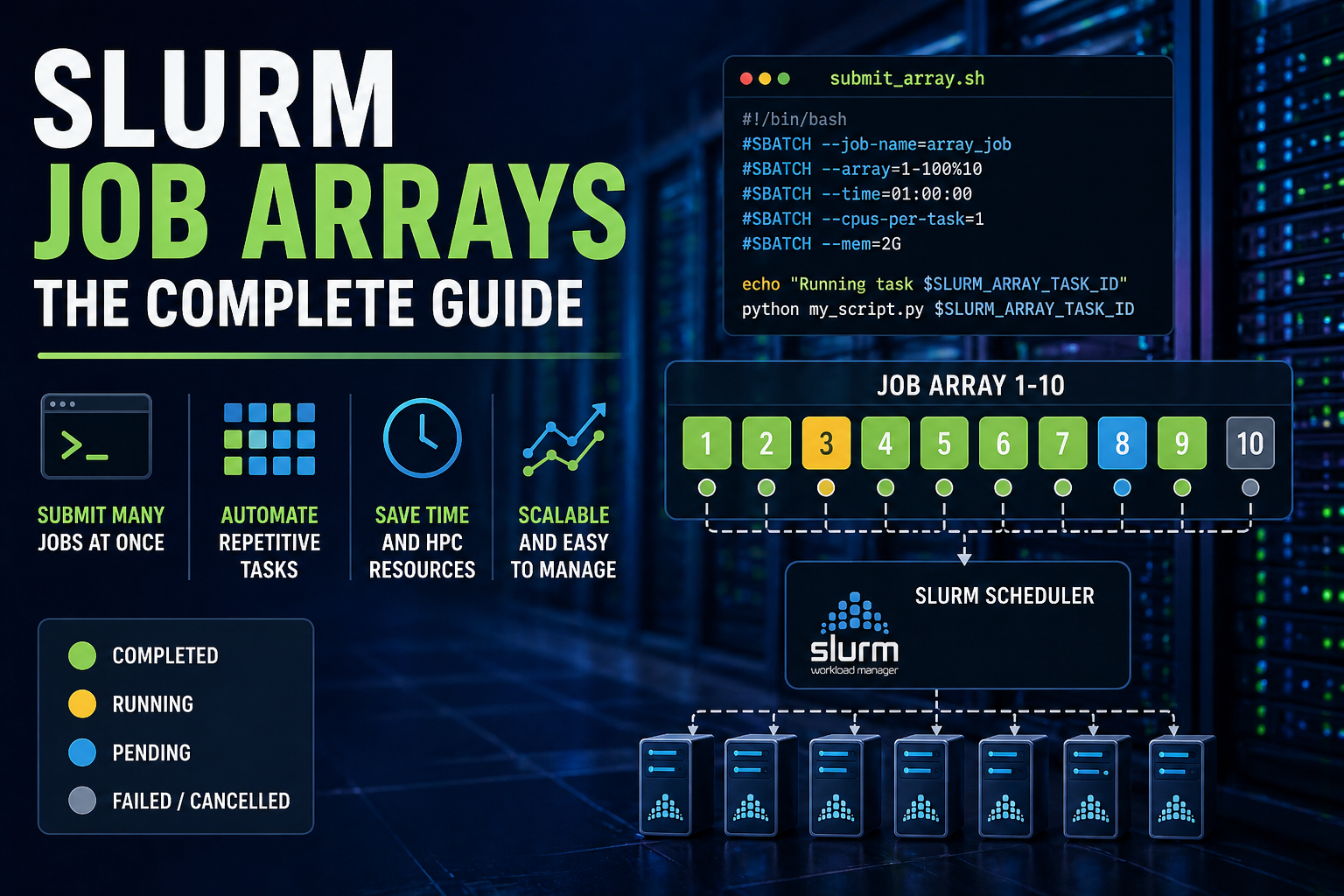
Job arrays are one of the most useful features in Slurm, and one of the most underused. Instead of submitting 500 near-identical jobs one by one, a job array lets you submit them as a single unit with one command, one job ID, and sane output management.
This guide covers everything from basic syntax to real-world patterns you can use today.
What Is a Job Array?
A job array lets you submit many similar jobs at once using a single submission.
Instead of submitting 100 separate jobs, you submit one job array, and Slurm automatically runs each task for you.
Each task:
- Runs the same script
- Gets a unique number (called a task ID)
- Can work on a different input or parameter
Think of it like:
👉 “Run this script 100 times, each time with a slightly different input”
Basic Syntax
To create a job array, you add the --array option to your Slurm job script:
#SBATCH --array=1-10
This tells Slurm to run the job 10 times, with task IDs from 1 to 10.
You can also:
- Run specific tasks:
#SBATCH --array=1,3,5
- Use steps:
#SBATCH --array=1-100:10
Minimal Example
#!/bin/bash
#SBATCH --job-name=my_array_job
#SBATCH --array=1-5

echo "Running task $SLURM_ARRAY_TASK_ID"
The Key Idea: the $SLURM_ARRAY_TASK_ID Variable
Each task gets a number stored in:
$SLURM_ARRAY_TASK_ID
This is what makes job arrays powerful. You use it to:
- Pick input files
- Select parameters
- Name outputs
Example: Processing Multiple Files
#!/bin/bash
#SBATCH --array=1-3

FILES=("data1.csv" "data2.csv" "data3.csv")

FILE=${FILES[$SLURM_ARRAY_TASK_ID-1]}

python my_script.py "$FILE"
Each task processes a different file.
Output File Naming (Important!)
If you don’t configure output files properly, all tasks may overwrite each other. Use these placeholders:
- %A –> Job ID
- %a –> Task ID
Recommended setup
#SBATCH --output=logs/job_%A_%a.out
#SBATCH --error=logs/job_%A_%a.err
This creates separate log files for each task.
Throttling: Limiting How Many Tasks Run at Once
You might not want all tasks running simultaneously. You can limit this using:
#SBATCH --array=1-100%10
This means:
- 100 total tasks
- Only 10 run at the same time
This is especially useful when:
- Running large jobs
- Being considerate on shared systems
Using Arrays with a Parameter File (Very Common)
A simple and flexible approach is to store inputs in a file.
Example: params.txt
input1.csv 0.1
input2.csv 0.2
input3.csv 0.3
Slurm Job Script
#!/bin/bash
#SBATCH --array=1-3

LINE=$(sed -n "${SLURM_ARRAY_TASK_ID}p" params.txt)

INPUT=$(echo $LINE | awk '{print $1}')
PARAM=$(echo $LINE | awk '{print $2}')

python my_script.py "$INPUT" "$PARAM"
Each task reads a different line from the file, using the sed stream editor.
Monitoring and Managing Arrays
Check your Slurm jobs
squeue -u $USER
Cancel an entire array
scancel JOBID
Cancel a specific task
scancel JOBID_TASKID
Example:
scancel 12345_7
Common Mistakes (and How to Avoid Them)
-
Tasks overwriting each other Always include
%ain output filenames. -
Confusing numbering (
0vs1) Slurm arrays usually start at1, not0. -
Requesting too many resources per task Remember: each task is a separate job.
-
Not handling failures Check output logs to confirm all tasks completed.
When Should You Use Slurm Job Arrays?
Use Slurm job arrays when:
- Running the same script on many files
- Testing multiple parameters
- Processing datasets in batches
Avoid them when:
- Each job is completely different
- Tasks depend heavily on each other
Final Thoughts
Slurm job arrays are one of the simplest ways to:
- Save time
- Reduce errors
- Scale your work efficiently
If you find yourself writing loops that submit lots of jobs, it’s usually a sign that a job array would be a better solution.