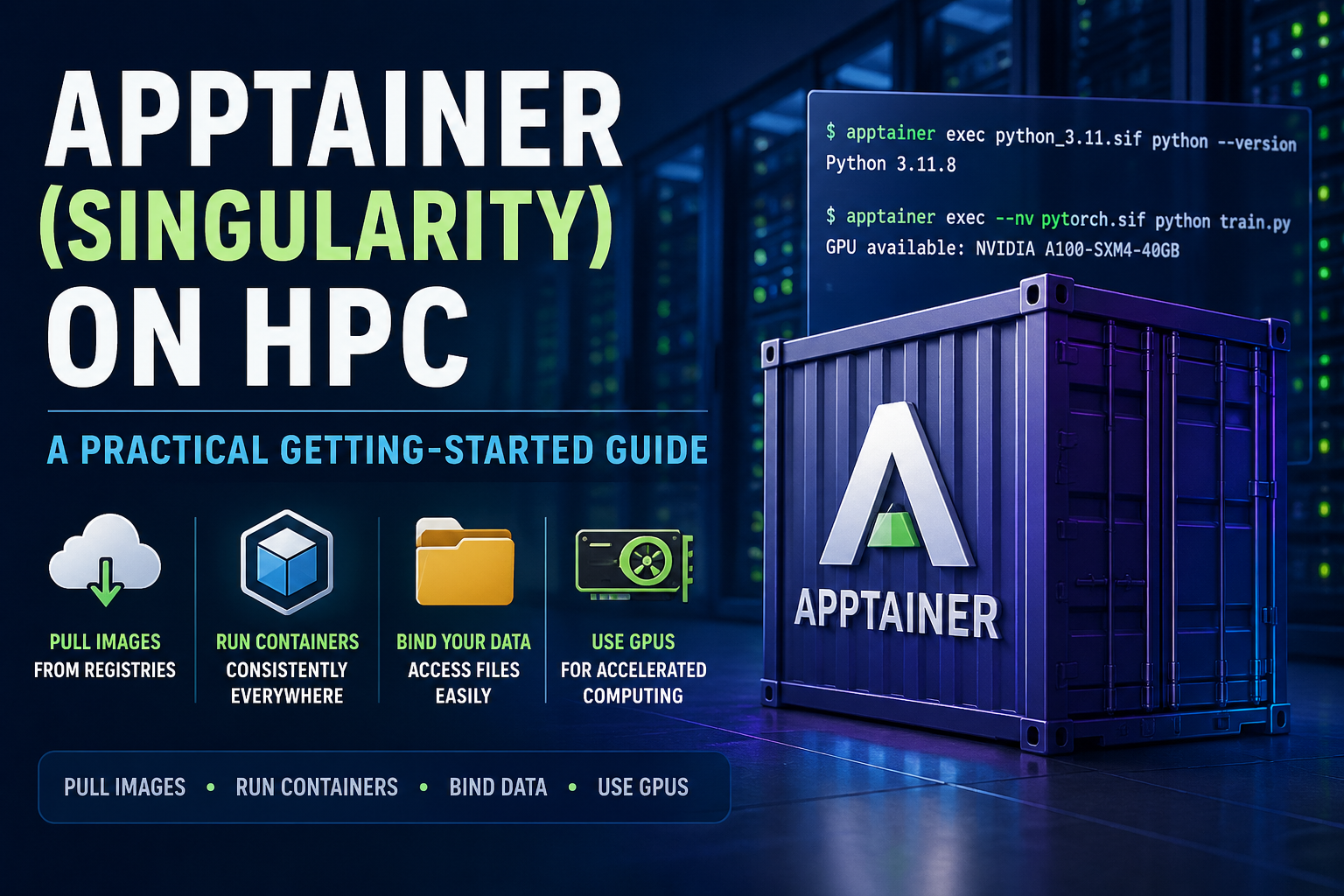
What is Apptainer?
Apptainer (formerly known as Singularity) is a tool that allows you to run applications inside containers.
A container packages up:
- your software
- its dependencies
- and its environment
This means your code runs the same way everywhere, whether on your laptop or on the HPC.
👉 Think of it like a self-contained “software box” that avoids installation headaches.
Why use Apptainer on HPC?
On shared HPC systems, installing software can be difficult or restricted.
Apptainer helps by allowing you to:
- Run complex software without installing it system-wide
- Use pre-built environments (e.g. Python, R, CUDA, ML frameworks)
- Ensure reproducibility of your research
- Avoid conflicts with other users
Unlike Docker, Apptainer is designed specifically for HPC and does not require root access.
Key Concepts (Plain English)
Before we start, a few simple terms:
| Term | Meaning |
|---|---|
| Image | A file containing your container (usually .sif) |
| Container | A running instance of an image |
| Bind | Making your files visible inside the container |
Loading Apptainer
On most HPC systems, Apptainer is provided as a module:
module load apptainer
You can check it’s available with:
apptainer --version
Getting a Container Image
You don’t usually build containers from scratch, you download them.
Option 1: Pull from a registry (recommended)
apptainer pull docker://python:3.11
👉 This creates a file like: python_3.11.sif
This works with Docker images, you don’t need Docker installed.
Pulling Images May Need Extra Memory
Pulling a container is not just a download. Apptainer also has to unpack the
Docker/OCI layers and convert them into a .sif image.
This can use more memory than expected.
If apptainer pull fails with messages such as:
Killed
or:
mksquashfs command failed: signal: killed
try running the pull inside a Slurm job with more memory:
#!/bin/bash
#SBATCH --job-name=apptainer-pull
#SBATCH --time=00:15:00
#SBATCH --cpus-per-task=2
#SBATCH --mem=16G

mkdir -p $SCRATCH_FAST/apptainer/{cache,tmp,images}

export APPTAINER_CACHEDIR=$SCRATCH_FAST/apptainer/cache
export APPTAINER_TMPDIR=$SCRATCH_FAST/apptainer/tmp

cd $SCRATCH_FAST/apptainer/images

apptainer pull python_3.11.sif docker://python:3.11
In the sbatch script above, you’re pulling the image using your HPC’s scratch storage for Apptainer’s cache and temporary files. Once the .sif file has been created, you can re-use it in later Slurm jobs without pulling it again.
Option 2: Use a pre-built image from your HPC
Some HPC systems provide curated images:
ls /apps/containers/
Running a Container
The simplest way to run something inside a container:
apptainer exec python_3.11.sif python --version
Interactive shell
To “enter” the container:
apptainer shell python_3.11.sif
Now you are inside the container environment.
Type exit to leave.
Using Your Files
By default, your home directory is available inside the container.
So if your data is in: ~/my_project/data.csv
You can access it normally inside the container.
Binding other directories
If your data is elsewhere (e.g. /scratch):
apptainer exec --bind /scratch python_3.11.sif ls /scratch
👉 This makes /scratch visible inside the container.
Running Jobs with Slurm
Most users will run containers via batch jobs.
Example job script:
#!/bin/bash
#SBATCH --job-name=apptainer-test
#SBATCH --time=00:10:00
#SBATCH --cpus-per-task=2

module load apptainer

apptainer exec python_3.11.sif python my_script.py
Submit with:
sbatch job.sh
Using GPUs
If your job needs a GPU, add the --nv flag:
apptainer exec --nv pytorch.sif python train.py
And request a GPU in Slurm:
#SBATCH --gres=gpu:1
👉 The --nv flag exposes the host GPU to the container.
Installing Your Own Software
If you need additional packages, you have a few options:
Option 1: Use pip inside the container (temporary)
apptainer shell python_3.11.sif
pip install --user numpy
⚠️ This does not persist unless installed in your home directory.
Option 2: Use a virtual environment (recommended)
python -m venv ~/myenv
source ~/myenv/bin/activate
pip install numpy pandas
Then run inside the container:
apptainer exec python_3.11.sif ~/myenv/bin/python script.py
Option 3: Build your own container (advanced)
You can create a definition file and build a custom image.
If you need this, contact HPC support, or see advanced guides.
Common Pitfalls
“Command not found”
Make sure:
- You are using apptainer exec
- The software exists inside the container
File not found
Check:
- Your working directory
- Whether you need
--bind
Slow performance
Common causes:
- Running from network storage
- Writing many small files
👉 Consider using /scratch for temporary work.
When should you use Apptainer?
Use it when:
- You need specific software versions
- You want reproducibility
- Your code works locally but not on HPC
You may not need it if:
- The software is already provided via modules
- Your workflow is simple
Summary
Apptainer allows you to:
- Run complex software easily
- Avoid installation issues
- Keep your research reproducible
Typical workflow:
- Pull an image
- Run it with apptainer exec
- Submit via Slurm
- Add
--nvif using GPUs
Need Help?
If you’re unsure:
- Start simple (just run python –version)
- Then gradually build up your workflow
- Contact your HPC support team if stuck
Happy computing!